EazLink guide
Do you need a fiscal printer for Ethiopia e-invoicing?
How to assess fiscal printer integration Ethiopia projects across POS devices, receipts, signing, offline queues, and branch support.
Short answer
A fiscal printer project starts with the checkout flow. The team must identify who creates the sale, where signing or fiscal processing occurs, what the customer receives, how status returns to the POS, and what happens when the network or device is unavailable.
Evidence checked: [1] Registered Directives · [2] Electronic Invoice Management System announcement
Prepared and reviewed by the EazLink compliance engineering team at Xiamen DataMega Technology Co., Ltd.
Quick decision guide
| Best for | Retail IT teams, POS providers, branch operators, dealers, hardware teams, and implementation partners |
|---|---|
| Main question | Do you need a fiscal printer for Ethiopia e-invoicing? |
| Before implementation | Confirm the current taxpayer scope, rollout notice, and technical specification with the relevant Ethiopian authority. |
What to remember
- Map the customer checkout before selecting hardware.
- Keep device and EIMS status visible to the POS.
- Confirm permitted receipt and offline behavior.
Choose the device boundary
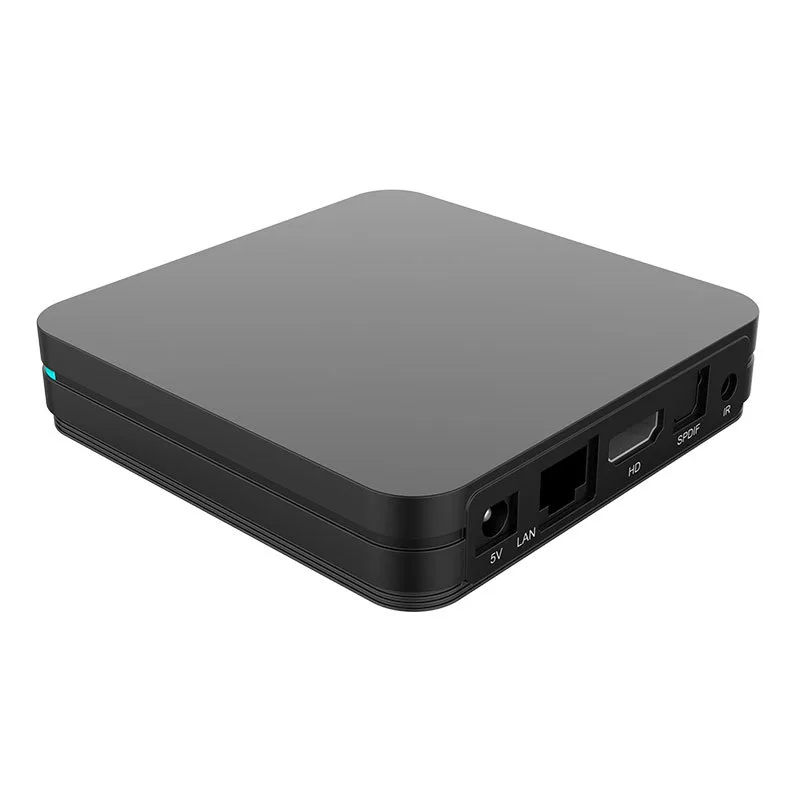
The printer or branch device may receive a completed transaction from the POS, handle a local fiscal step, or act as a controlled queue. The right boundary depends on the existing POS interface and the official workflow.
- POS API, file, database, or serial interface
- Receipt and QR output
- Certificate and signing location
- Device identity and branch assignment
- Remote monitoring and software update path
Do not hide device failures
Cashiers need a short status they can act on. Support teams need the device, branch, transaction, attempt history, and recovery state. A green light on the printer is not enough for reconciliation.
Confirm the fiscal rules
Printer approval, invoice numbering, QR contents, signing, offline duration, and recovery order must come from current Ethiopian requirements. Hardware availability does not prove regulatory approval.
Store test sequence
- Capture a normal sale and return the receipt status.
- Repeat the request and verify duplicate protection.
- Disconnect the network before and after submission.
- Restart the device with pending work.
- Reconcile the final EIMS result with the POS.
Quick questions
Does every Ethiopia e-invoicing project need a fiscal printer?
Not necessarily. The choice depends on the official workflow, the POS architecture, connectivity, and the taxpayer's operating requirements.
Can a branch device support poor internet connections?
It can support a controlled local queue and recovery path, subject to the offline behavior permitted for the deployment.
Sources
- Registered Directives · Ethiopian Ministry of Justice
- Electronic Invoice Management System announcement · INSA
Sources are used for regulatory and technical context only.
Related answers
Does Ethiopia e-invoicing work offline?
What should an Ethiopia e-invoice show for QR, ETB and Amharic?
This page supports project planning. It is not legal, tax, or official EIMS authorization advice. Confirm current requirements with the relevant Ethiopian authority before implementation.